Photoks

Clean up your photos
the way you scroll

Thousands of photos sit on your phone and opening Photos feels like a chore. Photoks turns it into something you'll actually do: swipe up, tap once on what you don't want.

iPhone · iOS 17+ · One-time purchase, not a subscription

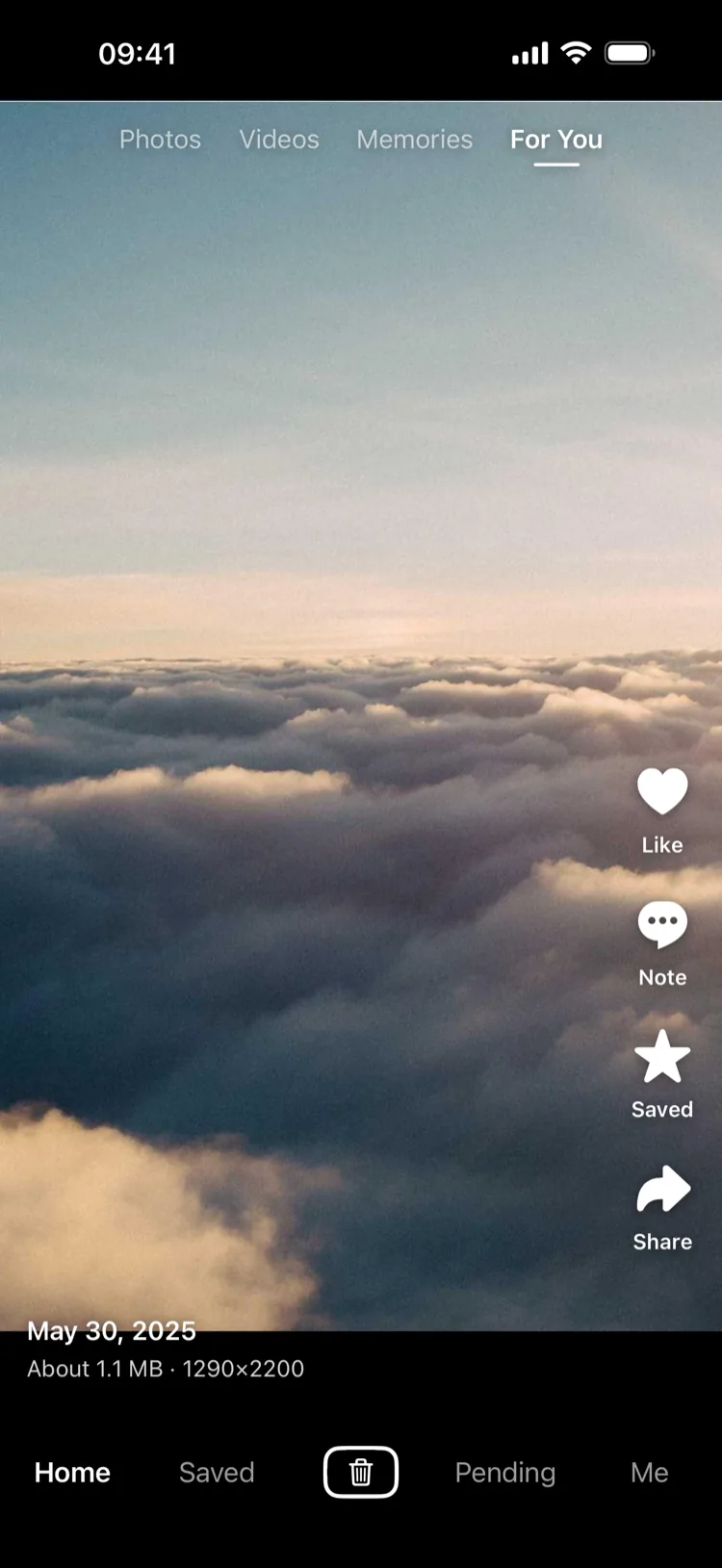
Full-screen feed: one photo per screen

Browse · one photo per swipe

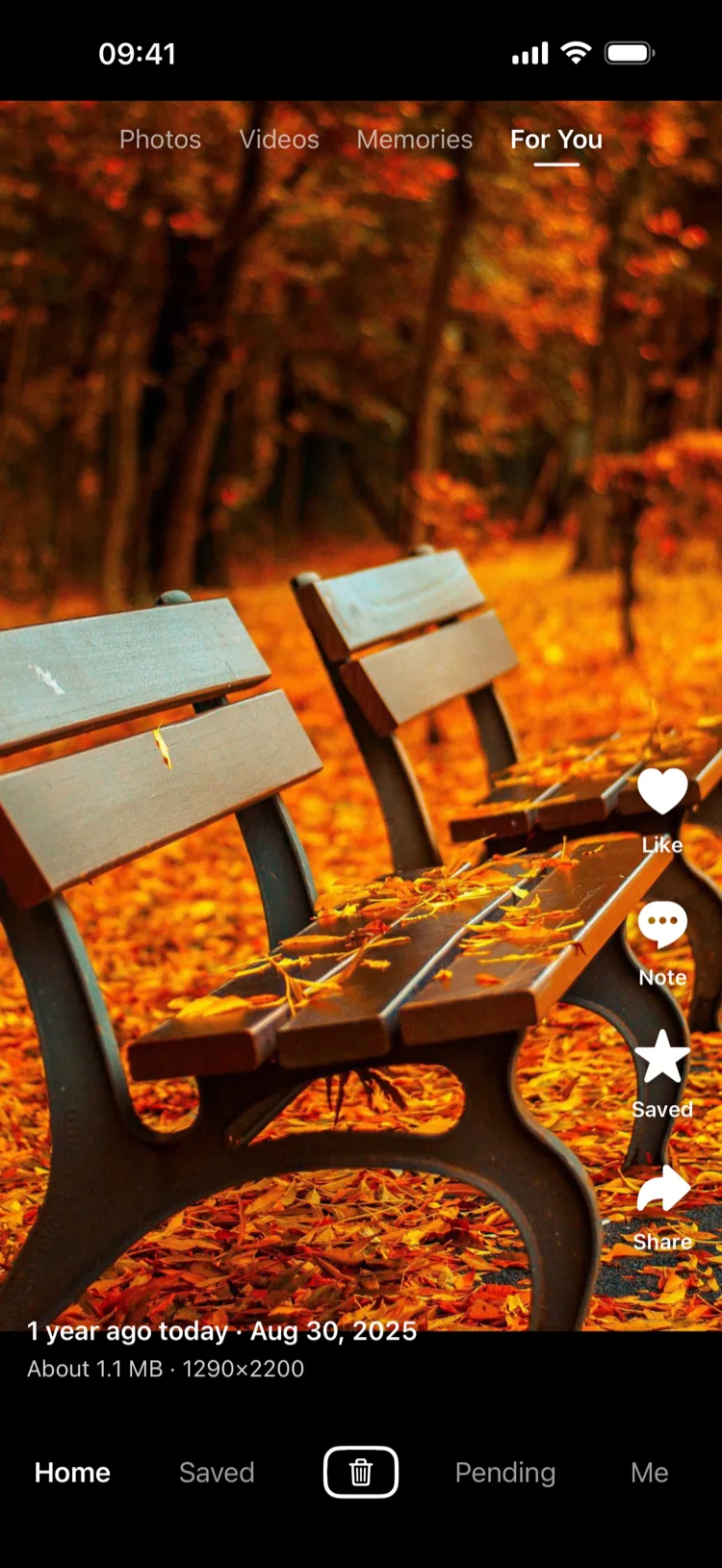
Memories: a photo from a year ago today

Memories · this time, past years

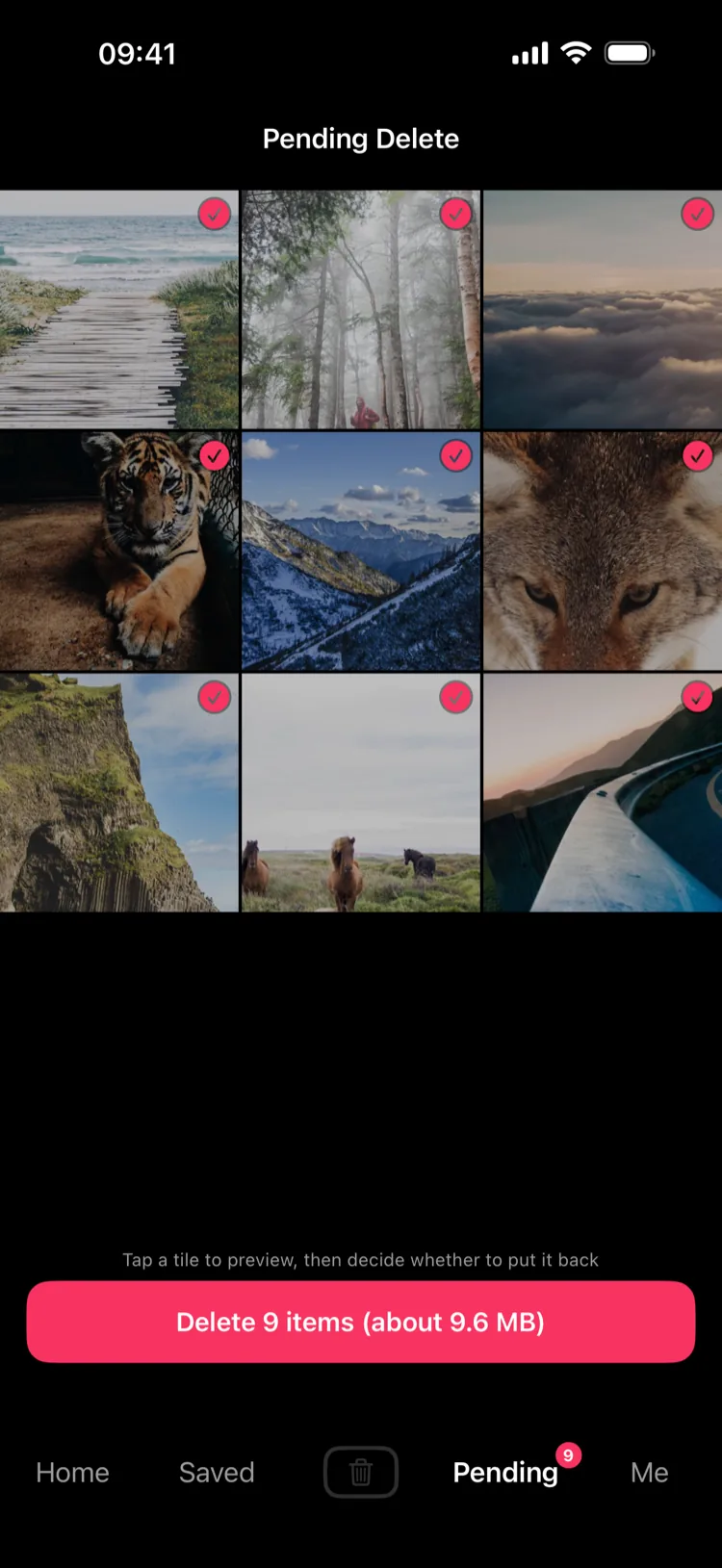
Pending Delete grid

Pending · delete in one go

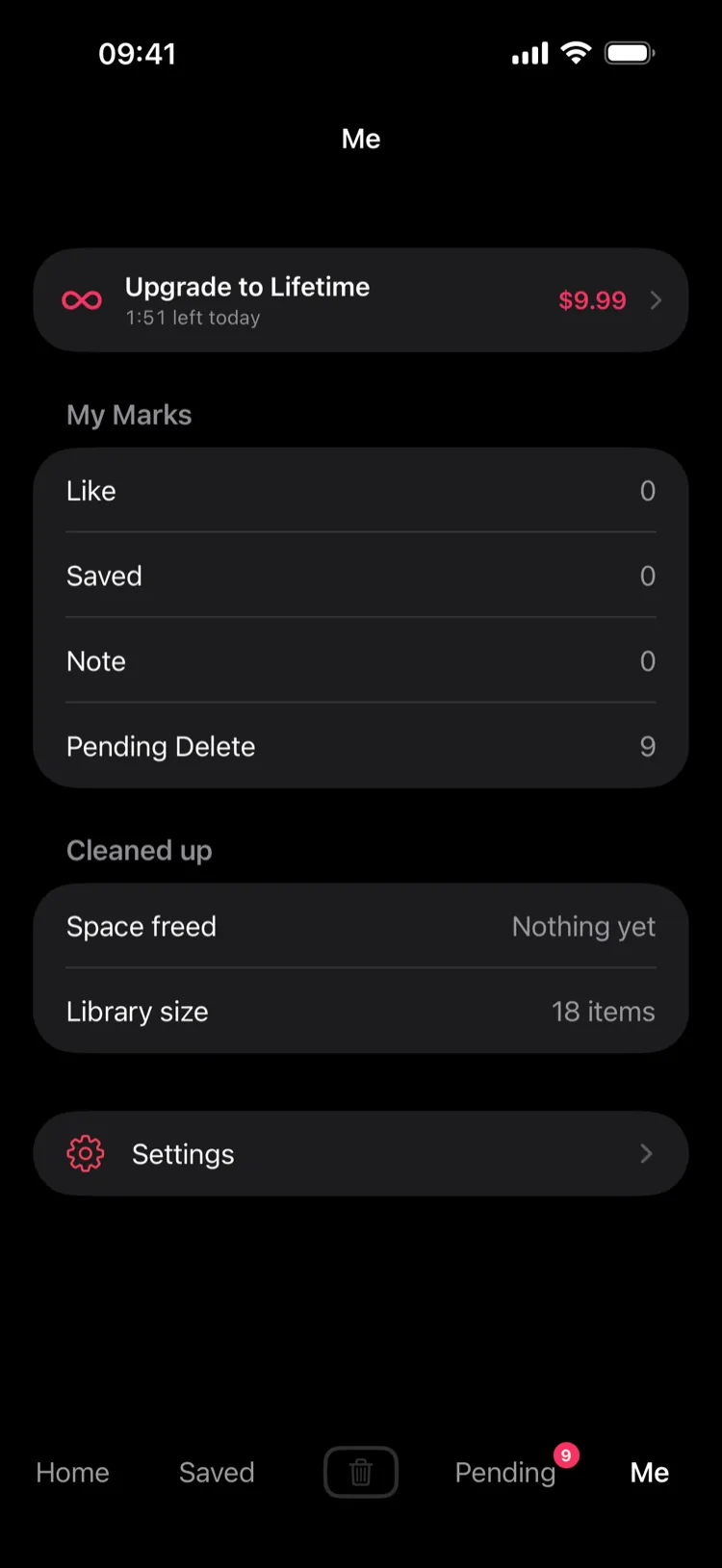
Me: marks you left and space you freed

Me · your marks and space freed

Why you'll actually keep going

The hard part of cleaning a photo library was never deciding what to delete — it's opening the app at all. So browsing works like the thing you already do every day.

Full-screen, one swipe each

One photo per screen. Reach the end and you're done. No tapping in, backing out, tapping the next one.

🗑

Mark now, delete later

Tap once to mark and it jumps straight to the next. Deal with the whole pile later in one pass.

Two chances to change your mind

Preview and put anything back before deleting. The system asks once more, and deletions stay recoverable for 30 days.

This time, past years

Memories walks outward from today's date across previous years — where you were a year ago, two years ago, on these very days.

Video and Live Photos play

Videos autoplay, tap to pause, hold an edge for 2×. Live Photos loop; tap to rest on the still frame.

Four ways to browse

Photos, Videos, Memories, For You. For You mixes what's worth keeping with what's worth clearing.
Your photos never leave this device

That's not a slogan — it's how the app is built. There is no server and no account system.

Nothing is collected

No accounts, no analytics SDKs, no ads. The developer can see nothing about you.

Photos stay local

Nothing is copied or uploaded anywhere. The app only stores local marks — likes, saves, notes.

Every network call is spelled out

Showing where a photo was taken sends the coordinate to the system geocoder — and you can turn that off. iCloud may download your own originals when Optimize Storage is on. That's all.

Full details in the privacy policy.

Pricing

A one-time purchase, not a subscription. Pay once; future features are included.

US$9.99

Once · forever · never renews

  • Browse as long as you want
  • All future features included
  • Restores on a new phone or reinstall

The free version gives you 10 minutes of browsing a day.
Pending Delete, putting things back, and deleting are never limited — what's already in your library is not a bargaining chip.

FAQ

Can I recover photos I deleted?

Yes. Deletions go to the Recently Deleted album in the system Photos app and can be recovered for 30 days.

Are photos in "Pending Delete" already gone?

No. That's a staging area — they're still in your library. Nothing is deleted until you tap Delete there and confirm again in the system dialog.

What does the free version limit?

10 minutes of browsing per day, resetting at 00:00 UTC. Pending Delete and all recovery or deletion actions are never limited.

New phone or reinstall — do I still have Pro?

Yes. Sign in with the same Apple ID, then Me → Settings → Purchase → Restore Purchase.

Does the app upload my photos?

No. Photos and videos are read and displayed only on your device.

Is there an iPad version?

Not yet — iPhone only, iOS 17 or later.